
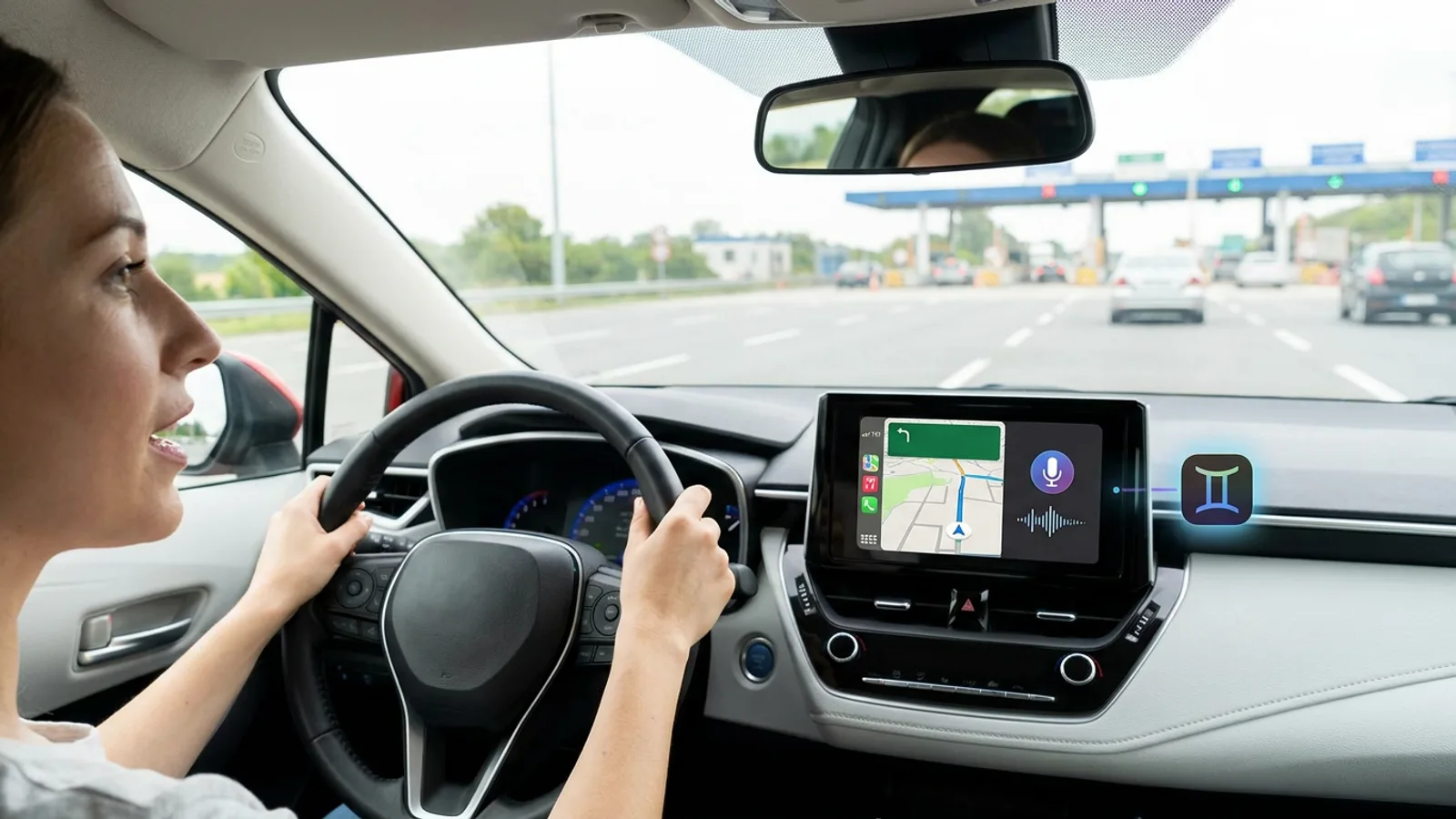
Driving and asking the map for a route with specific conditions, without touching the screen, is now possible within CarPlay. Google has integrated its Gemini assistant into Google Maps for those using Apple's system in their car, a new feature that is beginning to roll out in the United States.
The feature is significant because, until now, iPhone users connected to CarPlay had to interact with the screen to change routes or check traffic conditions. With Gemini, that limitation disappears, opening the door to safer, hands-free use while driving.
What you can ask Gemini while navigating
During active navigation, a Gemini icon appears on the right edge of the CarPlay screen. By tapping it, the driver can speak directly, without needing to use simple or isolated commands.
The system supports chained requests, as if you were having a conversation with a co-pilot. Google has provided examples of questions such as: which park offers good views of the city, at what time of day will it be less crowded and have good weather, and then asking it to start the route while avoiding toll roads, all in a single voice interaction.
It can also be used to report traffic incidents
In addition to planning trips, Gemini allows you to report road incidents using only your voice. Previously, this capability depended on Google Assistant, which only worked when using Google Maps directly from the iPhone, without going through CarPlay.
This integration marks the first time that Google Maps has offered a full voice assistant within CarPlay, bringing the experience in line with what was already available in cars with Android systems.
A feature that was already working on Android Auto
The novelty is not entirely new to the Google ecosystem. As reported by Abner Li at 9to5Google, this experience replicates what the company introduced last year in Google Maps for Android and iOS, and which was already available on Android Auto, Google's equivalent to CarPlay.
What changes now is that this same capability is also coming to vehicles that use Apple's system to project the phone onto the car's screen.
Limited availability for now
For the moment, the feature is confirmed only in the United States. According to 9to5Google, the global rollout has already begun, although the source does not specify dates or which countries will receive the update soon.
Technical requirements, such as the minimum iPhone version or compatible car model needed for the Gemini icon to appear in CarPlay, have not been detailed either.
What CarPlay users should do
Those who use CarPlay with Google Maps can keep an eye out in the coming days to see if the Gemini icon appears on the right side of the screen during navigation. If it does not appear, it is likely that the update has not yet reached that region.
When available, it will allow you to request routes with specific conditions, such as avoiding tolls, or check the best time to visit a place, all through chained voice commands. Users who already enjoy this experience on Android Auto will now find an equivalent feature in cars with iPhones.
Frequently Asked Questions
What is Gemini on CarPlay?
It is the integration of Google's artificial intelligence assistant, Gemini, within Google Maps when used on CarPlay, Apple's system for projecting the iPhone onto the car's screen.
In which countries is this feature available?
For now, its availability has only been confirmed in the United States. The global rollout is underway, although there are no specific dates for other countries.
What type of requests does Gemini accept in Google Maps?
It accepts chained questions and commands by voice, such as searching for a place with certain characteristics, checking the best time to go, and then starting the route while avoiding tolls, all in the same conversation.
Did this feature already exist in any other system?
Yes, it was already available on Android Auto and in Google Maps for Android and iOS since last year. The novelty is its arrival on CarPlay.
Can Gemini be used to report traffic incidents?
Yes, the assistant allows you to report road incidents using voice commands, something that was previously only possible using Google Assistant directly on the iPhone, without going through CarPlay.
What technical requirements are needed to use this feature?
The original source does not detail what version of the iPhone or car system is needed for the Gemini icon to appear in CarPlay.