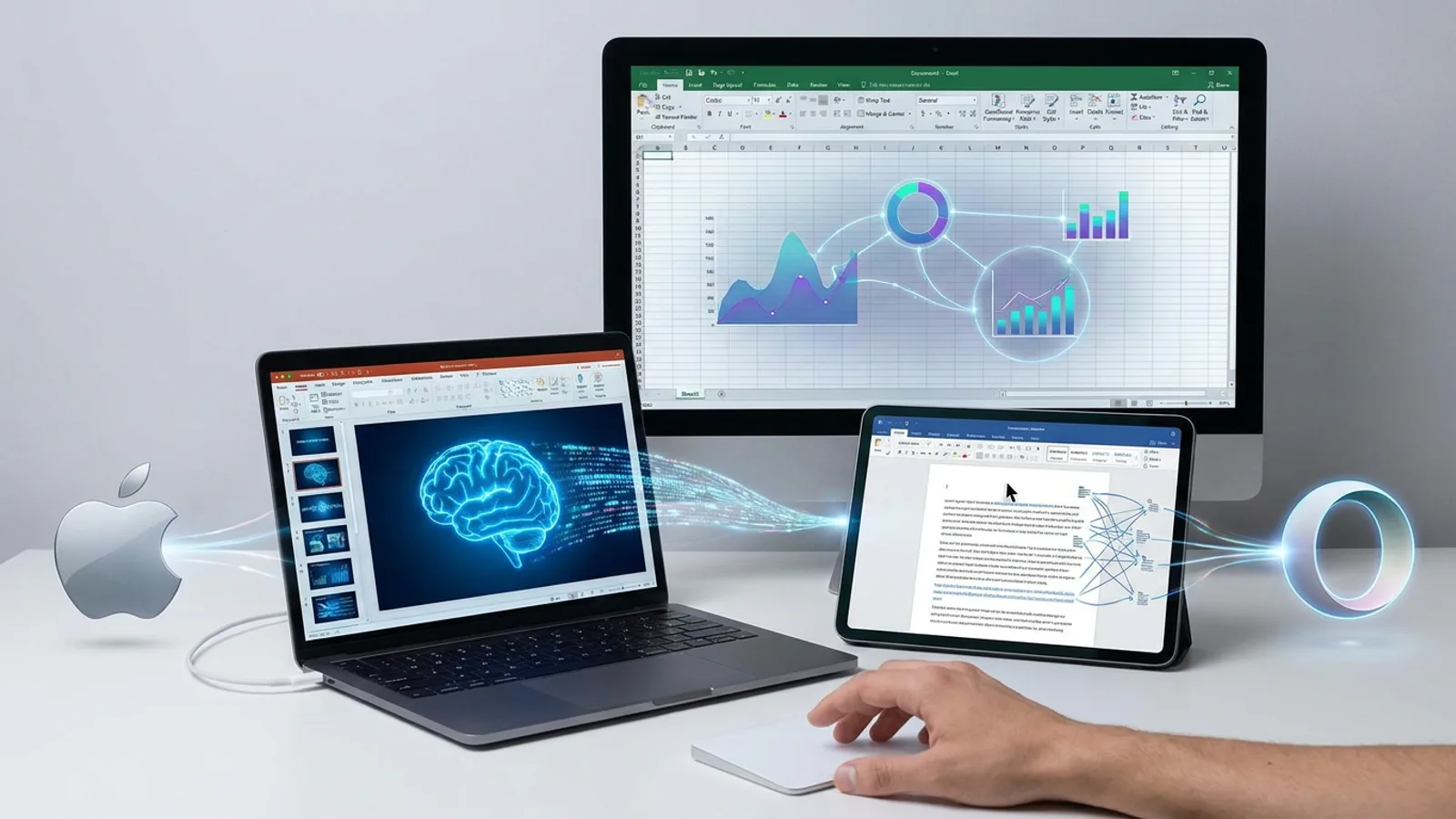
You have an unstructured report in Pages, a half-finished presentation in Keynote, and a spreadsheet with scattered data in Numbers. Apple now proposes that an artificial intelligence assistant take care of organizing everything without you ever leaving each application.
The company has announced the integration of this assistant into its three productivity tools, built by combining its own models with OpenAI technology. This new feature arrives at a time when major software manufacturers are competing to bring generative AI directly into work documents, rather than limiting it to standalone chats.
What the assistant can do in each application
As confirmed by Apple, the assistant understands the context of the open document to act upon it, rather than just answering isolated questions. Each application receives capabilities tailored to its function.
In Pages, the assistant can draft, restructure, and touch up text. In Keynote, its task is to design, animate, and refine slides based on content already existing in the document. In Numbers, it handles calculating, visualizing, and organizing data, in addition to suggesting chart types and building custom tables.
Apple's proposal does not function as a separate chatbot, but as a layer that operates directly on the file the user has open at that moment.
Availability and technical requirements
The assistant will arrive in beta for devices compatible with Apple Intelligence running iOS 27, iPadOS 27, or macOS 27, or later versions. As reported by the specialized outlet The Verge, those who do not have hardware compatible with these systems will not be able to access the feature.
The Model Context Protocol paves the way for external agents
Beyond its own assistant, Keynote, Pages, and Numbers now support the Model Context Protocol (MCP) on macOS 27 or later versions. This standard allows artificial intelligence agents from other companies to connect directly to Apple applications.
In practice, this means that a user who already works with a third-party AI agent could connect it to their Pages, Keynote, or Numbers documents, instead of copying and pasting content between different tools. Apple has not yet detailed which specific agents will be compatible with this system.
The rest of the creative suite: Pixelmator Pro, Logic Pro, and Final Cut Pro
Apple's announcement is not limited to office applications. Pixelmator Pro incorporates a feature called Generate Fill, which allows you to edit a specific part of an image simply by describing the desired change. Apple maintains that the tool automatically adjusts the lighting, perspective, and texture of the surroundings so that the edit integrates naturally.
Logic Pro, on both Mac and iPad, debuts a visual redesign with Liquid Glass alongside its own artificial intelligence assistant. According to the company, this feature is capable of preparing a vocal track from a single text prompt and also editing existing musical projects. A new Browser is added on Mac that uses on-device AI to analyze, classify, and tag sounds as they are added.
Final Cut Pro, for its part, incorporates templates, graphics, titles, and transitions through an integration with MotionVFX. Apple also adds a Content Hub, a library with stock videos, photographs, and backgrounds accessible from within the application itself.
All under the Creator’s Studio umbrella
These new features are part of Creator's Studio, and current subscribers will receive them at no additional cost starting in November. That is the key date for those who already use these tools professionally.
The balance between Apple, OpenAI, and third-party agents
Apple combines its own artificial intelligence models with those of OpenAI within the same feature, although it has not specified which tasks correspond exactly to each provider nor in which cases processing is performed directly on the device. This data is relevant for those who regularly work with confidential documents.
At the same time, opening up to the Model Context Protocol places Apple in a different territory than that of a completely closed ecosystem. Its productivity applications are no longer just the destination for its own assistant and become spaces where agents from other companies can also operate. This is a recent announcement whose real-world performance is yet to be verified, as it arrives in beta phase.
What to check before using it
Before incorporating this AI into your daily workflow, it is worth keeping in mind several specific points derived from Apple's announcement.
First, check that the device is compatible with Apple Intelligence and has iOS 27, iPadOS 27, or macOS 27, or later versions. Without these requirements, the feature will not be available.
Second, those who want to use third-party agents must ensure they have macOS 27 or later installed, as it is the minimum requirement for MCP support.
Third, since it is in a beta phase, it is recommended to review any text, table, or chart generated by the assistant before sharing it with a client or a supervisor.
Fourth, those who already have a Creator's Studio subscription will not need to pay anything extra, as the new features will arrive in November for current subscribers.
What changes for the user
For those who regularly work with Pages, Keynote, or Numbers, this update allows them to delegate tasks such as structuring a report, animating a presentation, or setting up a data table without leaving the application. For those who already use agents from other companies, MCP support makes it easy to connect them directly to their files.
The announced cost does not change for those who are already Creator's Studio subscribers. What does change is the decision regarding which content to entrust to an assistant that is still in the testing phase, a decision that remains entirely up to the user.
Frequently Asked Questions
In which Apple applications does the new AI assistant arrive?
The assistant is integrated into Pages, Keynote, and Numbers, Apple's three productivity applications, with functions adapted to each: text drafting, slide design, and data organization, respectively.
What AI models does Apple use for this assistant?
Apple has confirmed that the assistant combines the company's own models with OpenAI technology, although it has not detailed which specific tasks correspond to each provider.
What requirements does my device need to use this feature?
It is necessary to have a device compatible with Apple Intelligence running iOS 27, iPadOS 27, or macOS 27, or later versions of the operating system.
What is the Model Context Protocol and what is it for?
The Model Context Protocol (MCP) is a standard that allows connecting artificial intelligence agents from external companies directly to Pages, Keynote, and Numbers. It requires macOS 27 or later.
When will the new features for Pixelmator Pro, Logic Pro, and Final Cut Pro arrive?
All these features are part of Creator's Studio and will arrive in November at no additional cost for those who already have an active subscription.
Is it safe to use this assistant with work documents yet?
The feature is in beta, so Apple and experts recommend reviewing any generated content before sending it to a client or using it in a professional environment.