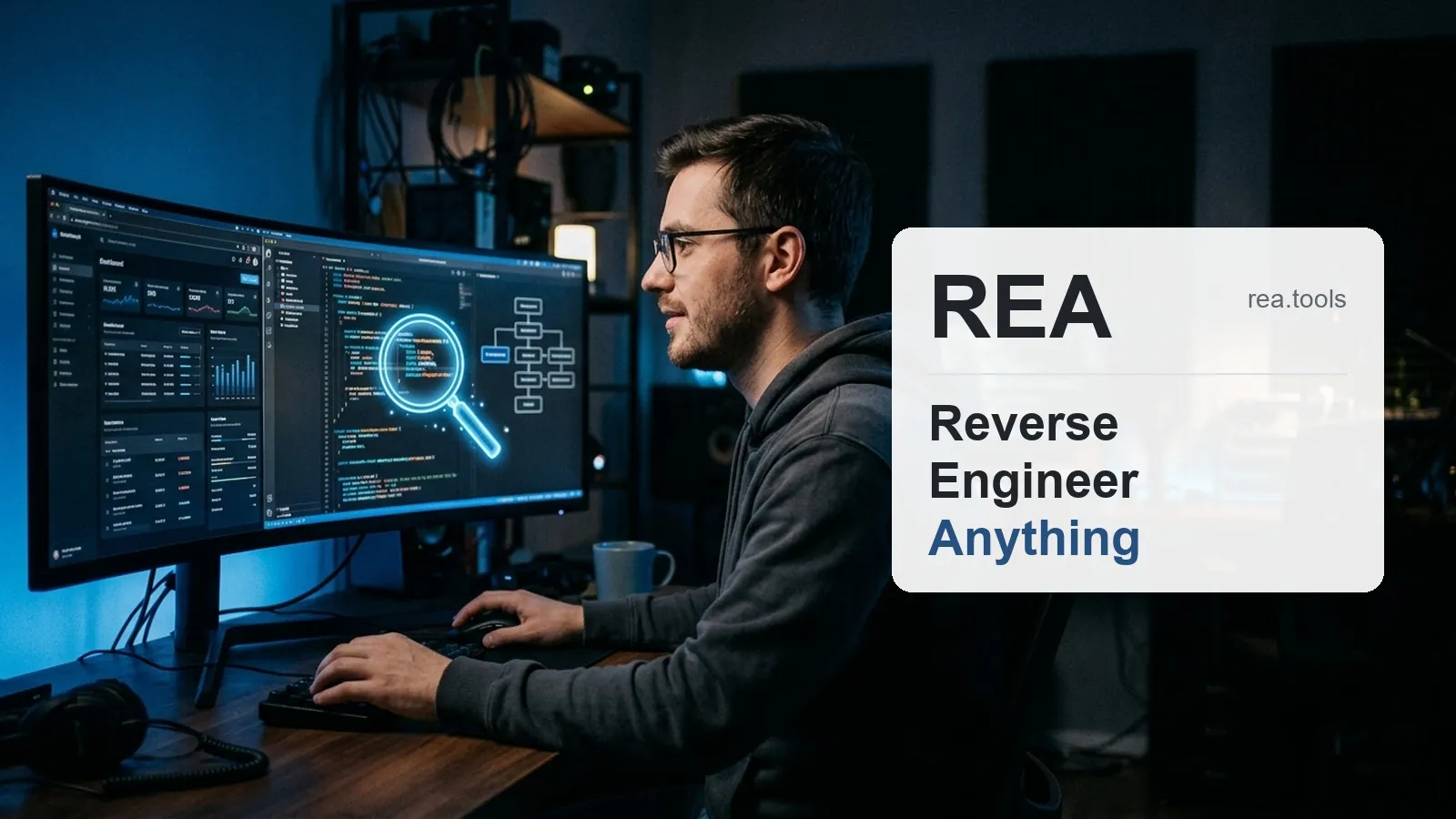
An open-source project called REA, short for Reverse Engineer Anything, has become one of the most talked-about tools in the cybersecurity and software development space. Its premise is simple to explain but complex in execution: connecting an artificial intelligence assistant with technical analysis programs so it can study how an application works, even at the binary code level.
The interest it has generated is no coincidence. According to GitHub API data consulted on October 14, 2026, the repository had accumulated 232,873 stars, a striking figure considering the project was created just six months earlier, on April 14, 2026. It is distributed under the MIT license, meaning anyone can freely use, copy, and modify it.
What is REA and how does it work
REA operates as an MCP (Model Context Protocol) server, a standard that acts as a kind of universal plug between AI assistants and external tools. Thanks to this system, an assistant like Claude can use analysis programs without the user needing to write additional code.
According to its official documentation, the assistant connected to REA can analyze binaries, desktop applications, programs built with Electron, Android packages in APK format, saved network traffic captures, device firmware, and the behavior of a program while it is running.
Installation is performed with a single command-line instruction: npx rea-agents setup. The project itself warns that there are copies with similar names circulating that are not official, so it recommends downloading it only from the morluto/rea repository on GitHub, from the rea.tools site, or from the rea-agents package published on npm.
What this type of analysis is intended for
As the project itself explains, REA is designed for legitimate uses within the field of computer security. Among the use cases mentioned are security research, malicious code analysis, participation in security competitions known as CTFs (Capture The Flag), and educational tasks.
It is also aimed at debugging or auditing one's own software, or applications for which the user has express authorization to perform such tests.
The limits set by the project itself
The responsible use document that accompanies REA, known as the DISCLAIMER, is explicit about what the tool does not support. The project makes it clear that it does not support bypassing copy protections or software licenses, creating cheats for video games, avoiding authentication systems on equipment without permission to test them, copying proprietary software, or circumventing the usage policies of artificial intelligence providers.
The document further emphasizes that responsibility lies entirely with the person using the tool, including the instructions given to an AI agent. It also warns that reverse engineering may be restricted both by the legislation of each country and by the license terms of the analyzed program.
An important nuance highlighted by the project is that the fact that an application is public, or that the user possesses the corresponding file, does not automatically imply that there is permission to reverse engineer it.
What this means for the average user
For those who do not work in the field of computer security, REA is not a tool for everyday use. However, its appearance and the speed with which it has gained popularity are an indicator of where artificial intelligence agents are evolving: they are no longer limited to writing code, but are also capable of analyzing it in depth.
For software developers or professionals concerned about the security of their own applications, this type of project shows the kind of capabilities that are beginning to be within reach through conversational assistants connected to specialized tools.
The use of this type of technology on third-party software, without authorization, may involve legal risks depending on the regulations of each country and the licenses of the analyzed programs.
Frequently Asked Questions
What does REA stand for?
It is an acronym for Reverse Engineer Anything.
When was REA created?
The project was created on April 14, 2026, according to data from the GitHub repository.
How is REA installed?
It is installed using a single command-line instruction: npx rea-agents setup, following the instructions in its official documentation.
Is it legal to use REA?
The project warns that reverse engineering may be restricted by the law of each country or by the license of the analyzed software, so use should be limited to one's own software or software for which one has express authorization.
Where can REA be downloaded officially?
The project itself recommends obtaining it only from the morluto/rea repository on GitHub, from rea.tools, or from the rea-agents package on npm, as there are unofficial copies with similar names.
What type of files can REA analyze?
According to its documentation, it can analyze binaries, desktop and Electron applications, Android packages (APK), saved network captures, firmware, and the behavior of running programs.