
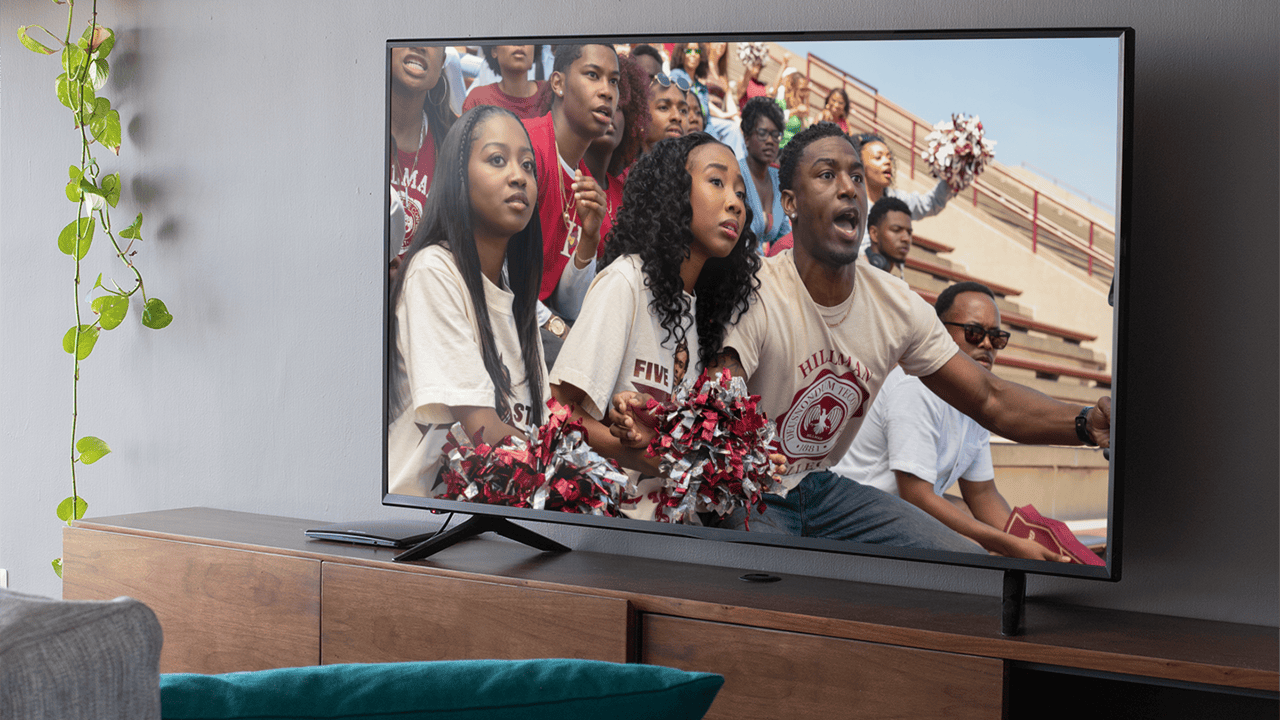
Cinematographer Shawn Peters has asked Netflix viewers to check their TV's picture settings before settling in to watch a series or film. As he explains, many modern televisions enable features by default that completely distort the visual work that filmmakers develop over months of shooting and post-production.
Peters, known for his most recent work on the reboot of A Different World, as well as for series and documentaries such as The Last Days of Ptolemy Grey and Summer of Soul (...Or, When the Revolution Could Not Be Televised), addressed this topic during an interview with What's On Netflix about his latest project.
What is the soap opera effect and why does it ruin Netflix series?
If you have ever put on a high-budget series or movie and felt like you were watching a low-cost daytime soap opera, you have likely experienced what is known as the Soap Opera Effect.
This phenomenon is a consequence of motion smoothing or motion interpolation, a feature enabled by default on most modern televisions. The technology adds artificial frames to fast-moving content to reduce blur, which is useful for watching a Sunday football match, but completely destroys the cinematic 24-frames-per-second aesthetic that filmmakers carefully construct.
What Shawn Peters says about TV settings
Peters directly asked viewers to enable movie mode or filmmaker mode on their TVs. "I hope you're watching it in movie mode or filmmaker mode on your television," the cinematographer stated.
During the interview, Peters elaborated on why this matters so much for a production like A Different World: "I think it's important that, if you care about what the cinematography is doing on a subtle level, and that's important to you, because we work really hard to change the look of the show and make it much more of a naturalized, more cinematic style. To make it more immersive. All those little decisions [...] are completely destroyed if you're in standard mode or some other gaming mode."
The cinematographer also pointed out an added problem: many current TVs are manufactured with gaming in mind, so they come with gaming-oriented backlighting and various motion features enabled. "Even movie mode sometimes doesn't work well on a system configured particularly for gaming. But on normal TVs, if you change your picture in the settings to movie mode or filmmaker mode, you'll at least get an idea of what we did on set and in color grading," Peters explained.
What is Netflix Calibrated Mode and how to enable it
For those watching content on Netflix, there is a specific solution called Netflix Calibrated Mode. This feature was originally introduced on Sony TVs and has since been extended to other manufacturers like Panasonic.
Netflix Calibrated Mode was designed explicitly to combat the overly processed factory settings of televisions. When enabled, this mode bypasses the TV's internal processing to accurately reproduce the image quality of the post-production monitors used by Netflix creators. It optimizes color, adjusts contrast, and completely disables motion smoothing.
If your TV is compatible with this feature, it is usually found within the picture settings while you have the Netflix app open.
How to configure your TV if you don’t have Netflix Calibrated Mode
If your TV does not have Netflix Calibrated Mode, it is possible to achieve a similar result manually by following these steps:
Look for filmmaker mode: backed by names like Martin Scorsese and Tom Cruise, many recent TVs from brands like LG, Samsung, or Vizio include a dedicated filmmaker mode. By selecting it in the picture settings, the TV automatically removes artificial processing.
Disable motion smoothing manually: if your TV does not have filmmaker mode, change the picture setting to movie or cinema mode and access the advanced picture settings to disable motion smoothing. This feature goes by different names depending on the brand:
On LG TVs, it is called TruMotion and should be disabled. On Samsung, it appears as Auto Motion Plus or within the picture clarity settings, and it should also be turned off. On Sony, it is called Motionflow and it is also advisable to disable it.
Peters also noted that there is another factor that affects image quality, video file compression, although it is a separate issue. For now, his recommendation is clear: encourage family and friends to watch series like A Different World with the best available picture settings on their TV.
Frequently asked questions about TV settings on Netflix
What is the soap opera effect and why does it affect what I watch on Netflix?
It is the result of motion smoothing, a feature enabled by default on many TVs that adds artificial frames and causes series and movies to lose their original cinematic look.
How do I enable filmmaker mode on my TV?
You must go into your TV's picture settings and select the filmmaker mode option if it is available, which is present on recent models from brands like LG, Samsung, or Vizio.
What is Netflix Calibrated Mode?
It is a feature available on some TVs, originally from Sony and later Panasonic, that automatically adjusts the image within the Netflix app to match the quality of the post-production monitors used by creators.
How do I disable motion smoothing if my TV doesn’t have filmmaker mode?
You must change the picture setting to movie or cinema mode and then look for the corresponding option depending on the brand: TruMotion on LG, Auto Motion Plus on Samsung, or Motionflow on Sony, and disable it.
Who is Shawn Peters and why is he talking about this topic?
Shawn Peters is the cinematographer for the A Different World reboot and has previously worked on The Last Days of Ptolemy Grey and the documentary Summer of Soul (...Or, When the Revolution Could Not Be Televised). He shared these recommendations during an interview with What's On Netflix about his most recent work.
